
Microsoft 365, Outlook, Teams, Nedap, Qpark, HID, Salto, Vecos, Paxton, Gallagher, Servicenow, Topdesk, Ultimo, Google
More than a sign-in screen.
Visitor registration that truly makes your visitors feel welcome – not another form to complete

Your front door, connected to your entire workspace
Visitor management shares one platform with desk booking, room booking, occupancy analytics, and indoor maps. One login, one data model, one admin panel — your reception and your operations, finally in sync.

Visitors auto-invited from room bookings
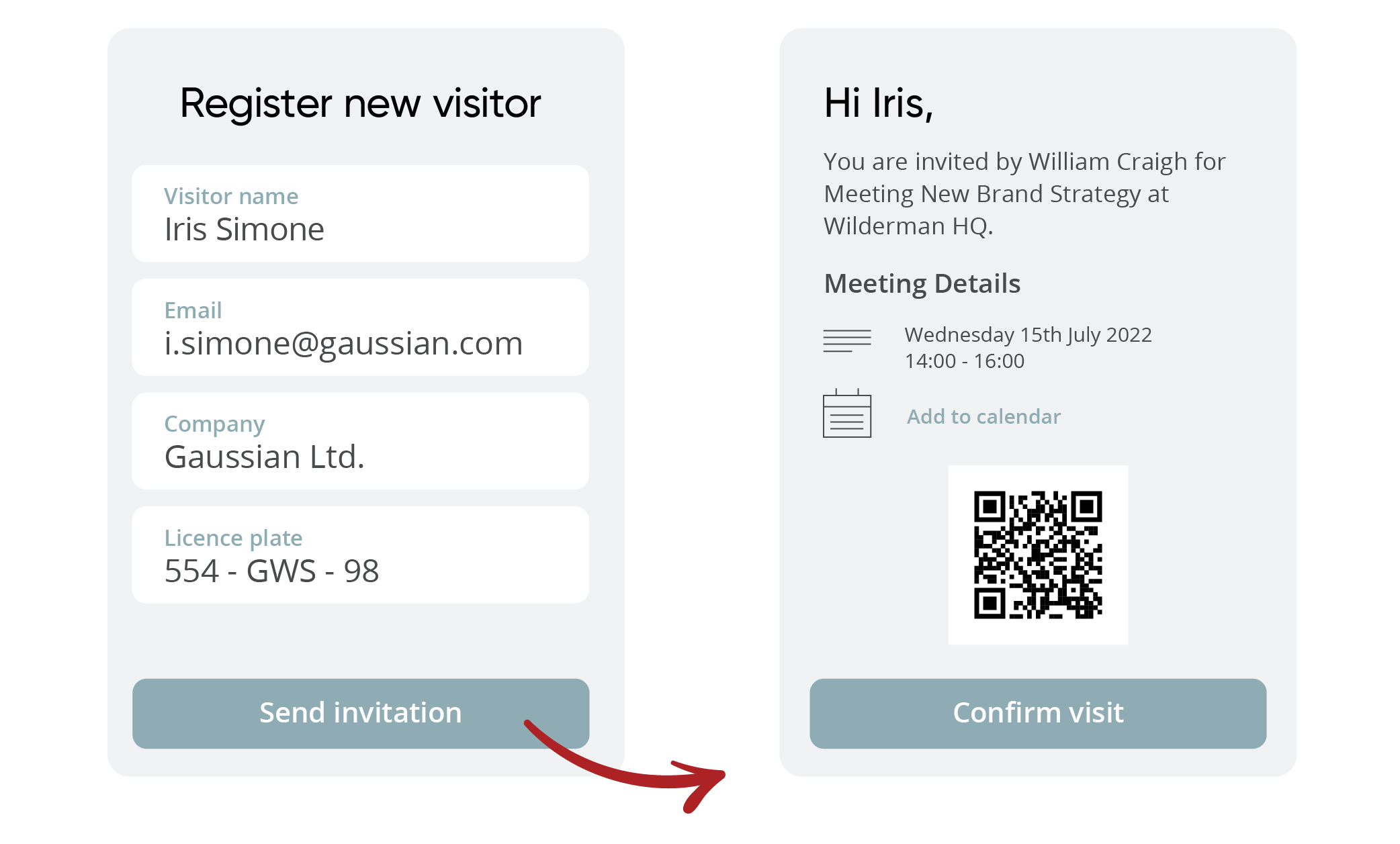
Book a meeting room in Outlook or Officebooking and your visitor invitation goes out automatically — complete with QR code, pre-arrival form, safety instructions, and parking details. Zero extra admin for the host.
Your host knows the moment their guests arrive
The instant a visitor checks in at the kiosk, their host receives a notification via Microsoft Teams and email. No more calling reception, no more guests waiting in the lobby. A warm welcome, every time.
Know exactly who's on-site — always, instantly
A live dashboard shows every visitor and employee on-site at any moment. Generate a full evacuation list filtered by floor or zone in one tap. Built for compliance, indispensable in an emergency.

Works with the access systems you already have
No rip-and-replace. Officebooking integrates with the access management systems already installed in your building — Salto, Nedap, HID, Paxton, and more — provisioning and revoking visitor access automatically on check-in and check-out.

Built for Europe — GDPR handled, data stays local
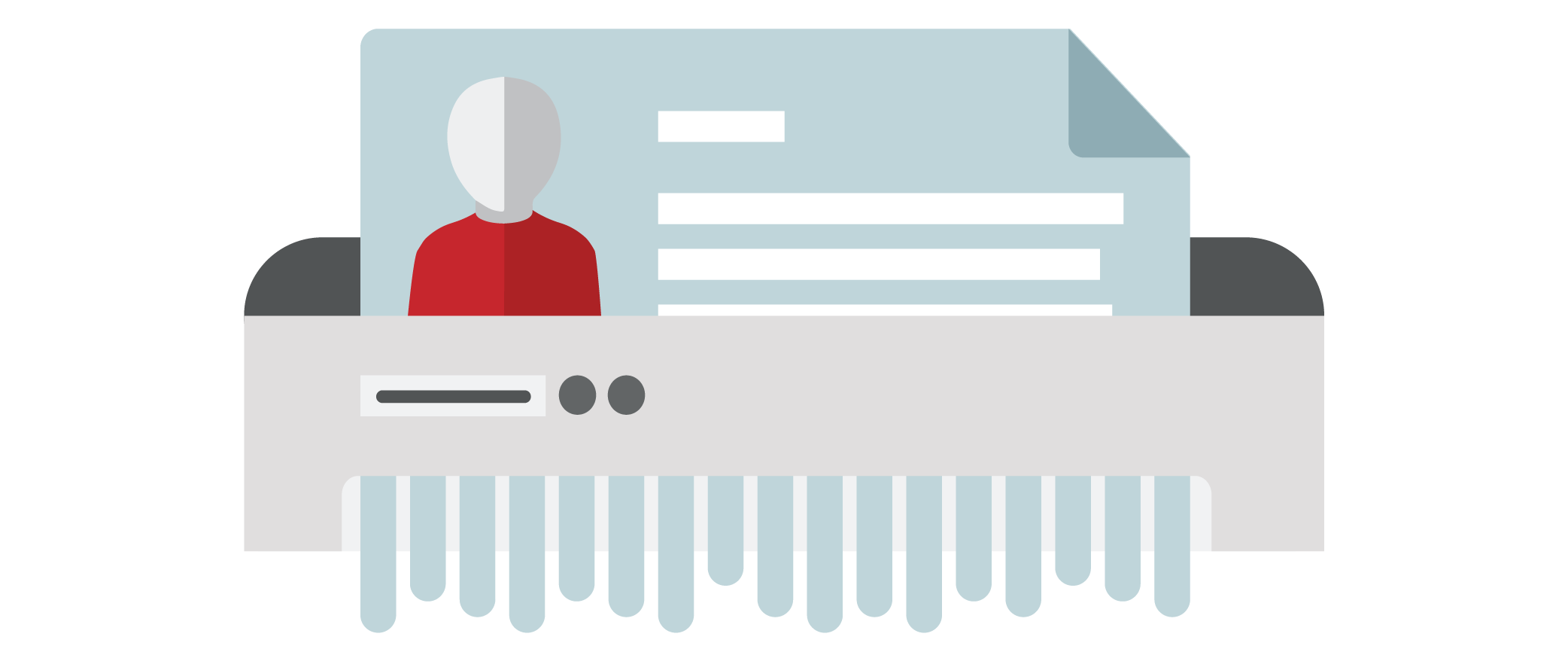
All visitor data is stored in European data centres and automatically anonymised after your configured retention period. ISO 27001 certified. A straightforward answer for UK and EU procurement and compliance teams.
Everything your reception needs – and more.
A complete visitor journey, from the very first email to the final check-out
Zero friction for hosts and visitors alike.
Five steps from booking to check-out

Meeting planned
Hosts plan a meeting in Outlook or Officebooking

Invite sent
Visitor receives a branded email with QR code, parking spot & pre-arrival form

Pre-check-in
Visitor completes registration on their phone before arriving

Seamless arrival
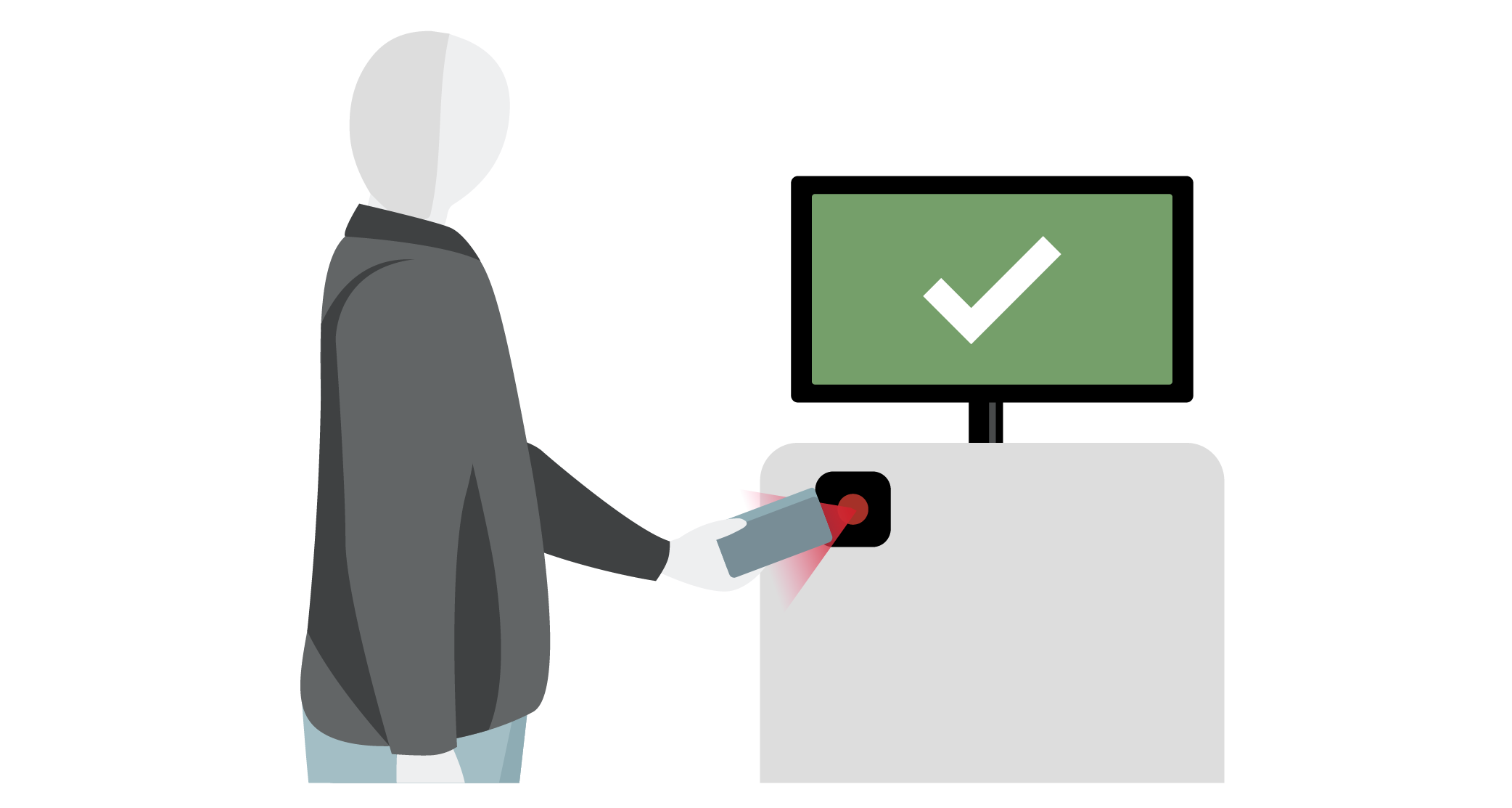
Scan QR at kiosk → badge prints → access granted → host notified via Teams

Checkout & GDPR
Visitor checks out; data anonymised after your configured retention period
Invite visitors straight from your room booking
When a host books a meeting room in Officebooking or Outlook, a branded visitor invitation is triggered automatically — including a QR code, pre-arrival form, safety instructions, parking details, and directions. No separate tool. No copy-pasting links.
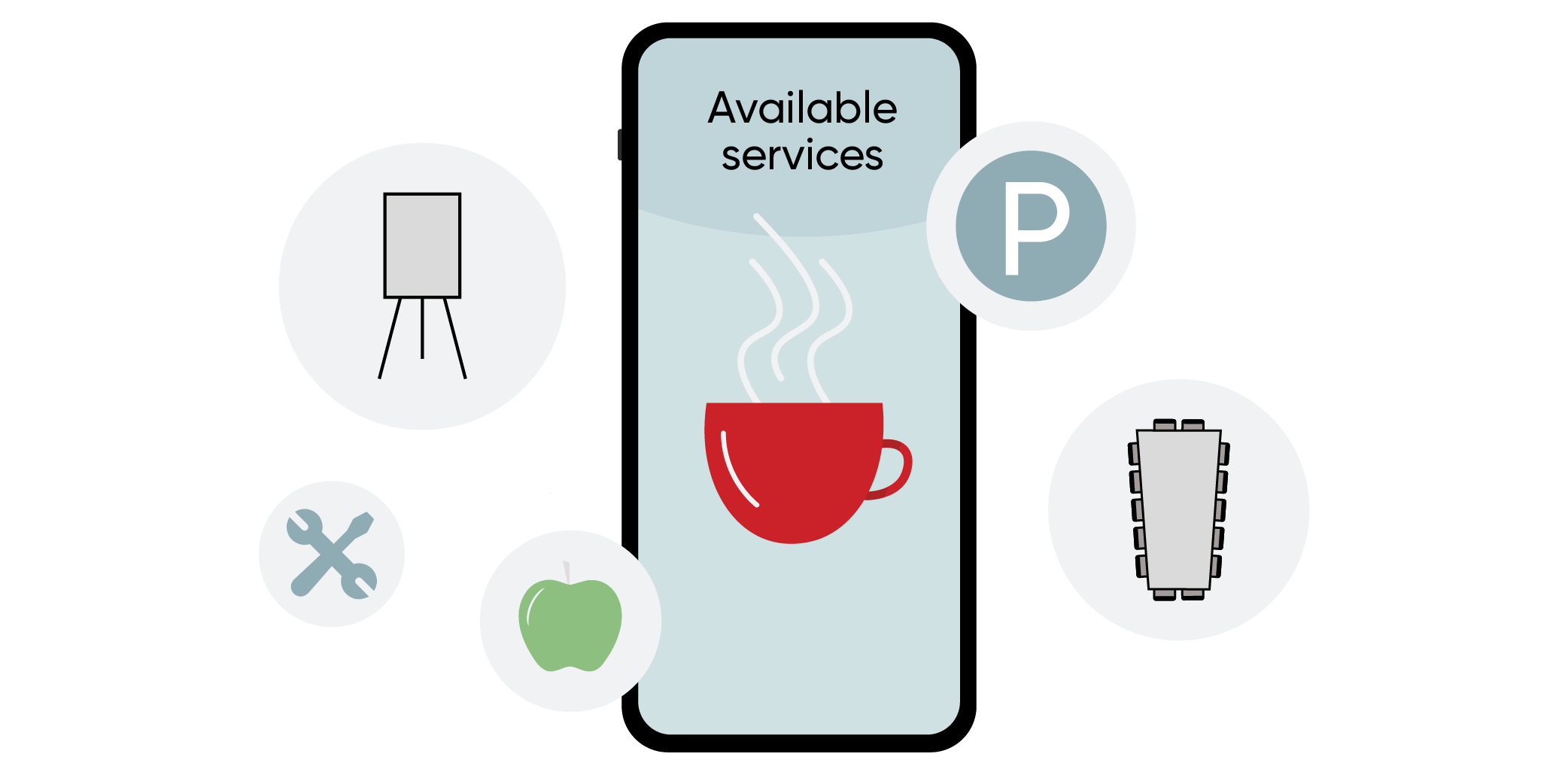
Add catering and services in the same flow
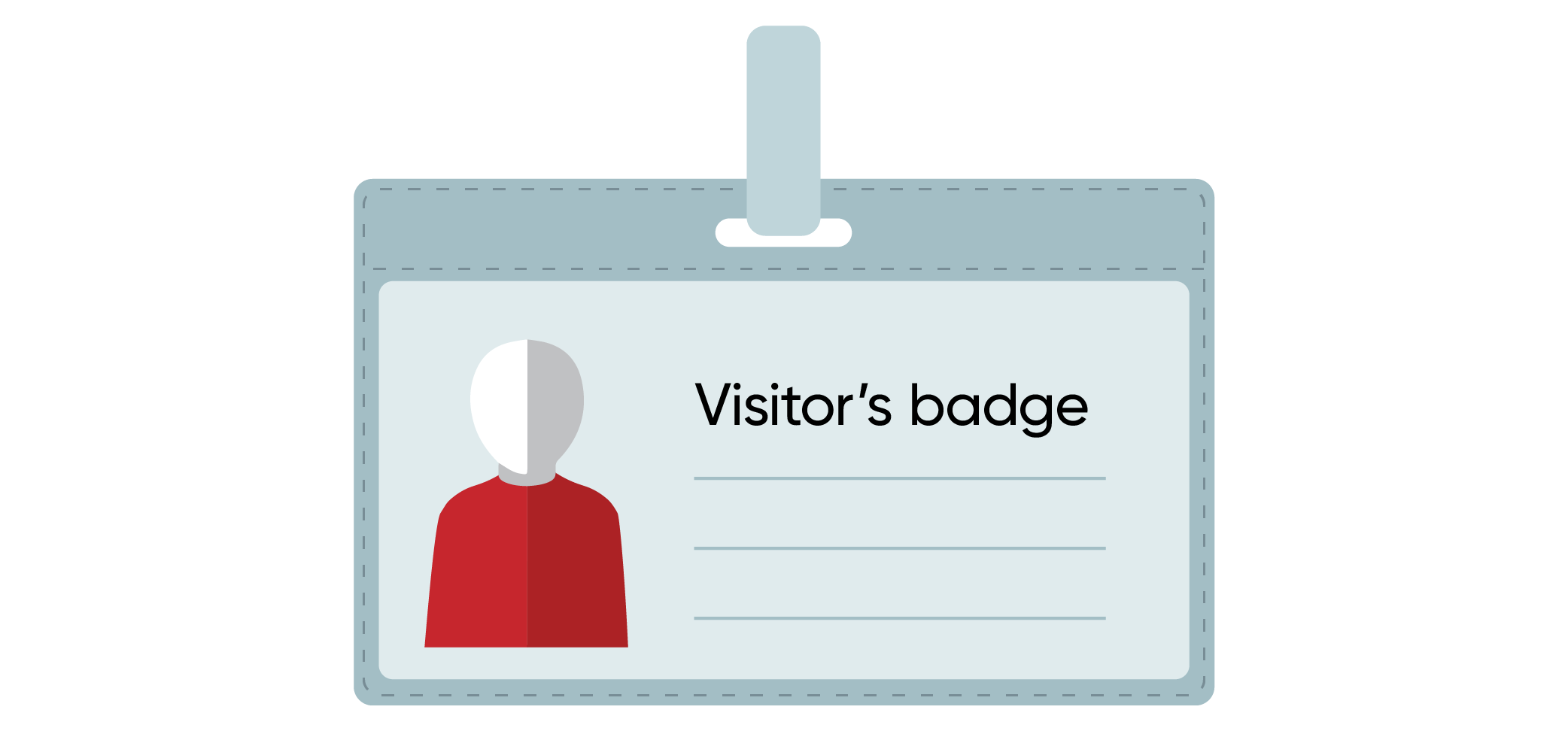
Branded badges and access control
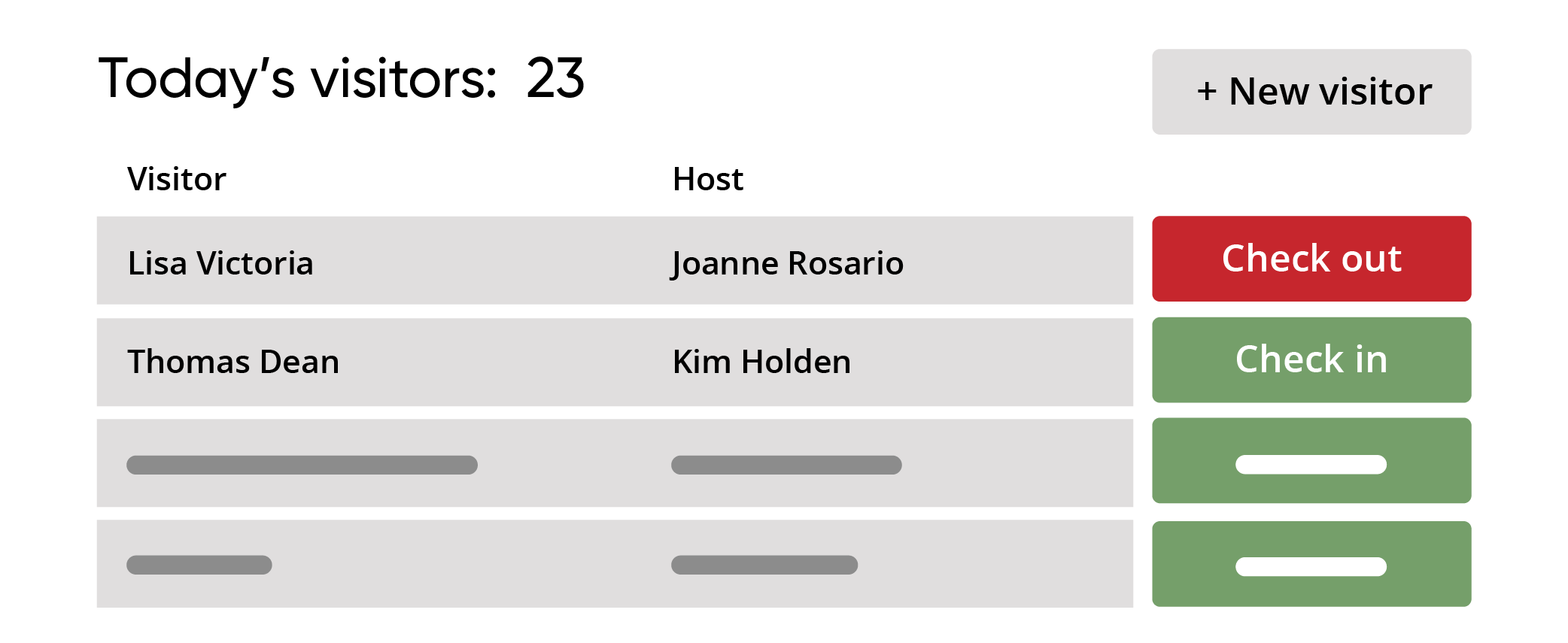
Full control: view status of every visitor
The honest comparison
Sure, other visitor management tools can be helpful. But for organisations that prioritise safety, hospitality and ease-of-use, the choice is clear.
| Feature | Offiebooking | Others |
|---|---|---|
| Integrated Desk & Room booking |
✔ |
Add-on |
| Visitor auto-invited from Outlook & Roombooking |
✔ |
✖ |
| Microsoft Teams Video Intercom |
✔ |
✖ |
| Native parking reservation |
✔ |
✖ |
| Emergency Evacuation List |
✔ |
Premium |
| GDPR Compliant EU Data Hosting |
✔ |
US-Based |
| Access Management Integration |
✔ |
✔ |
| Self-service Kiosk App | ✔ | ✔ |
| Badge printing |
✔ |
✔ |
| Catering & Services |
✔ |
✖ |
| Analytics |
✔ |
Add-on |
| Per-location pricing |
✔ |
Variable |
See the full visitor experience in 30 minutes
One of our workplace specialists will walk you through a live session tailored to your organisation — from kiosk setup to Microsoft 365 integration and the evacuation dashboard.
- Live walkthrough of the full visitor journey
- Tailored to your access management setup
- GDPR Compliancy discussed
- Transparent pricing — no hidden per-visitor fees
- How to get rid of the paper list? We’ll make it easy.