
As an administrator, you can define filters and request reports in different parts of the dashboard, such as reservations, sessions, visits, and more.
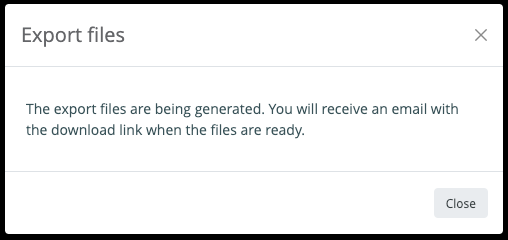
To prevent heavy server loads during working hours, larger reports are processed through the Download Center. If your requested report contains more than 2000 records, a pop-up window will appear, informing you when your requested report is ready.
Once you receive the email notification that your report is ready, you can find it in the Downloads section in the sidebar menu. Here, you will see a list of your recent report requests. Click the download button to download a report.