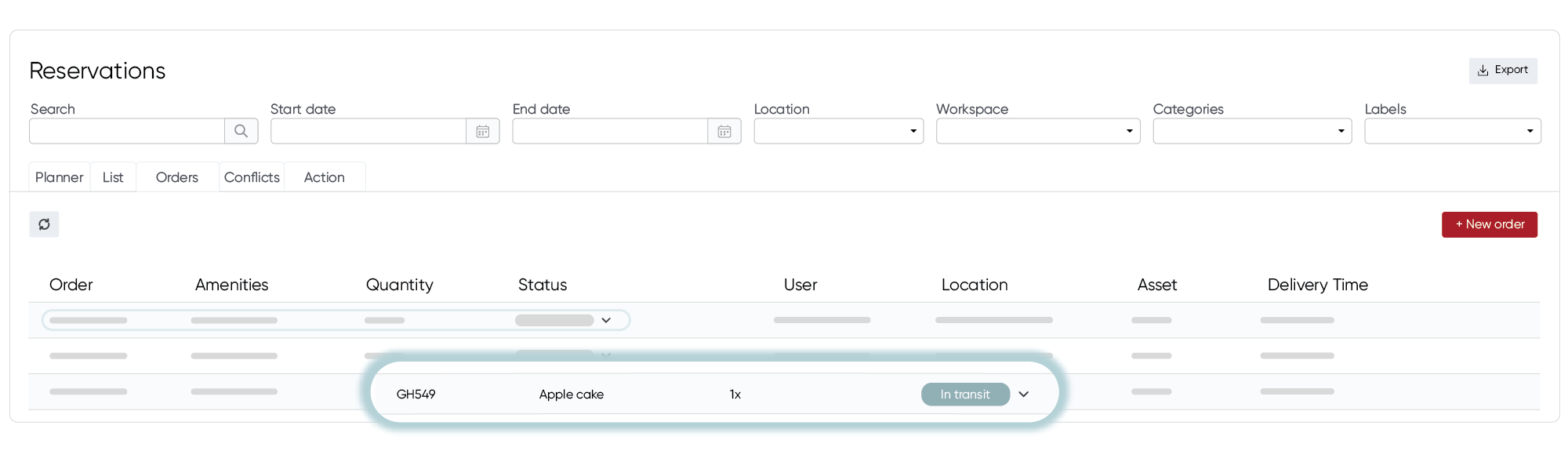
The Orders overview shows all incoming orders in one place. Use it to see what needs to be prepared today, check which orders still need to be confirmed, or plan upcoming deliveries.
For each order, you’ll see the details, such as the ordered services and quantity, the user, the location and the delivery time, along with its current status. You can update the status directly from the dropdown, and search by keyword or filter by date, location, workspace, category, or label. Here’s how to open it:
- Go to OfficeAdmin.
- Click Reservations in the left menu.
- Open the Orders tab.
- You’ll see an overview of your orders. By default, it shows all orders scheduled for today.
- To view past or future orders, adjust the filters.
Need to share orders with your catering supplier or keep your own records? Click Export in the top right corner to download an Excel file with all orders and their details.