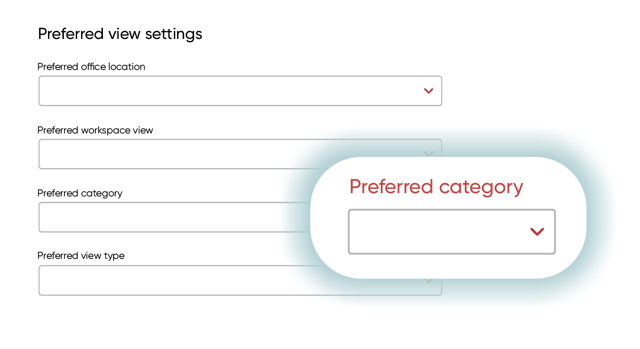
The General Settings page lets you manage your personal preferences for viewing assets in the web app. With the Preferred Category setting, you can choose which asset category is shown by default when making a reservation. If no preferred category is selected, all available assets are shown.
For example, if you usually book standing desks, you can select standing desks as your preferred category. When you make a reservation, the view is automatically filtered to show standing desks.
To install your preferred category, follow the steps below:
- Click the user icon in the top-right corner of the screen.
- Select ‘Settings’.
- Under ‘Preferred view settings’, find ‘Preferred category’.
- Select your preferred category from the available company categories.
- Your selection is saved automatically.