
Due to the differences in storage and processing of meetings between Exchange Online (“Office 365”) and Officebooking, there may be events that can cause differences in your calendars. We have implemented some tools to check these differences.
Office 365 view
In the reservations overview in OfficeAdmin, we show a Planner. The planner is a day-by-day overview of all reservations for a specific location. By selecting “Office 365,” the planner shows all meetings directly from the Outlook calendar of the meeting room. These meetings are marked with a blue color.
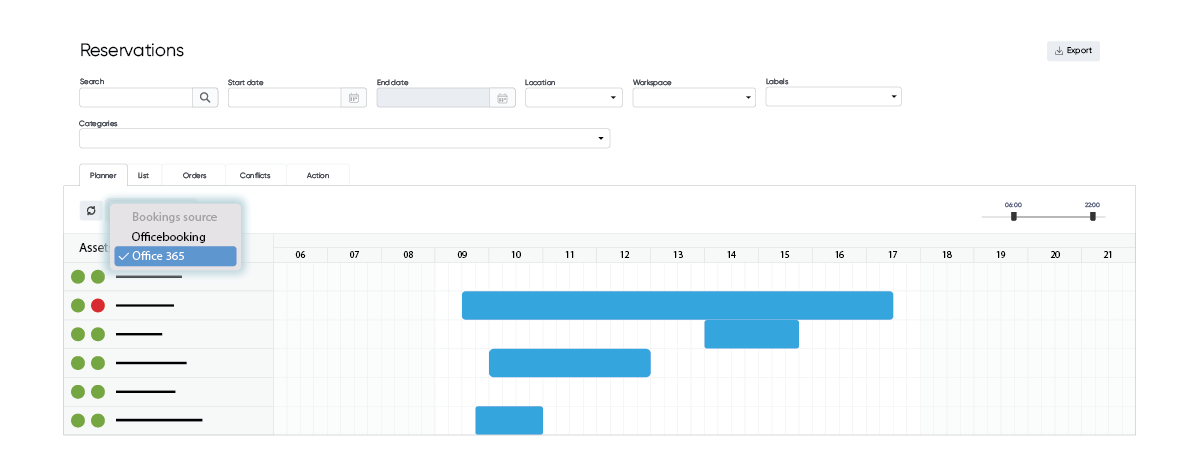
You can switch between Officebooking and Office 365 view. Reservations shown in the Office 365 view are directly obtained from the Outlook Calendar of the meeting room.
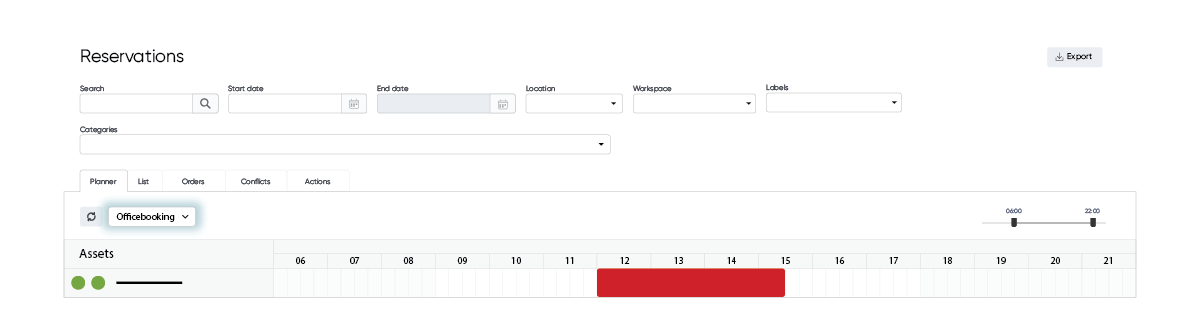
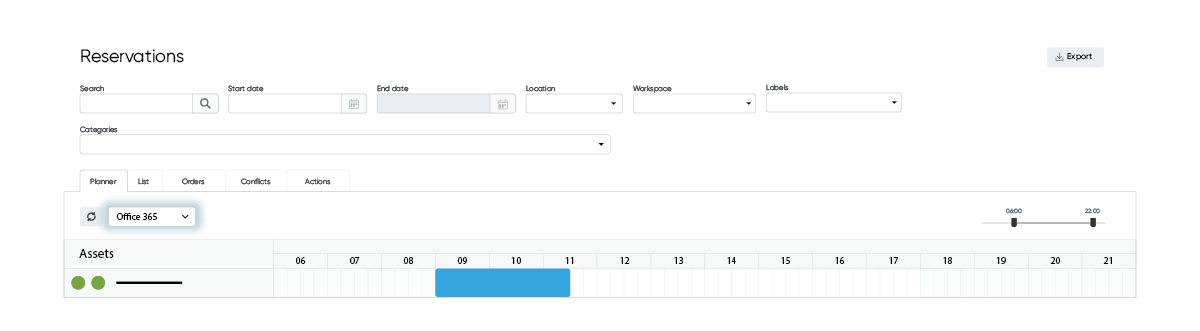
Switching between these views is a great way to check if there are any differences that might explain differences between both calendars.