
Multimode allows superusers to create reservations for multiple assets at the same time. This is especially useful when you need to book several desks or rooms for your team in one go. Instead of making separate bookings, you can simply add multiple assets to your “basket” and reserve them all at once.
Currently, Multimode is available in the map view.
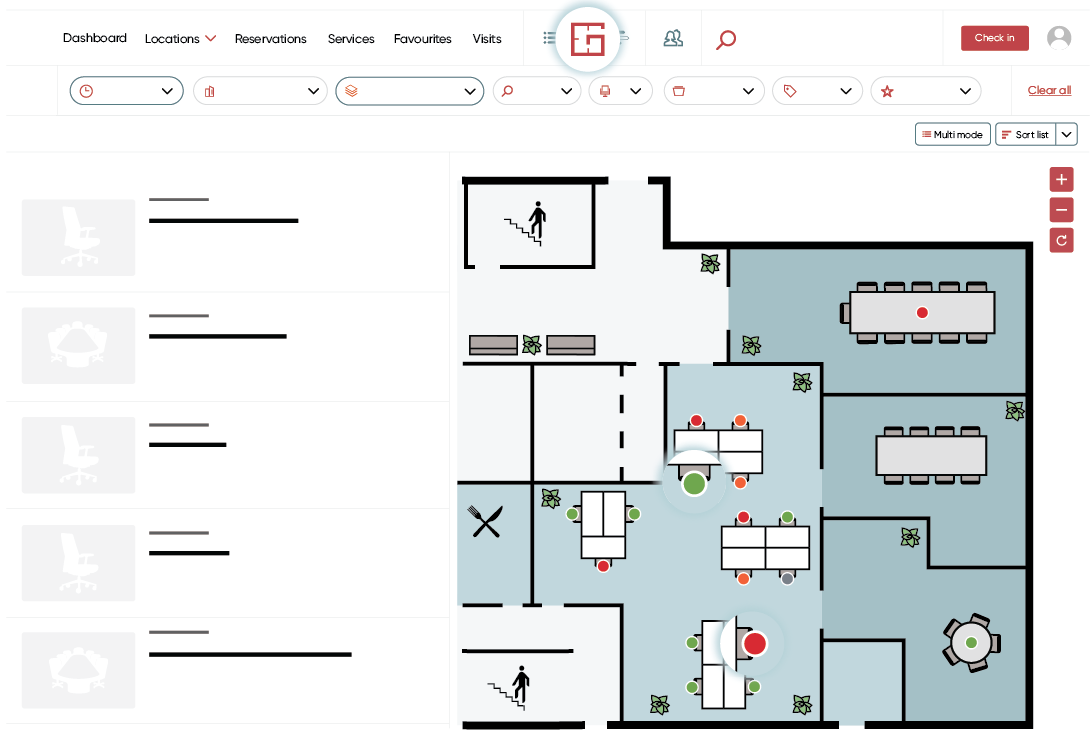
How to Book with Multimode
- Navigate to the floor plan and search for availability on your chosen date.
- Click the Multimode button to start selecting multiple assets.
- Click on each desk, room, or other asset you want to book.
- Once you’ve selected all the assets, click Reserve.
- Fill in the booking form (add attendees, services, etc.).
- Confirm by selecting Reserve again.